
Step 6: Active Region Selection#
To select and score cells, you must first define one or more Active Regions (ARs). Only cells within active regions will be considered for selection.
Adding an Active Region#
Click “Add AR” to enter selection mode
Right-click on the image to add points defining the region boundary
Points will be highlighted in yellow as you add them
Click “Confirm” when done (minimum 3 points required)
The AR will appear as a semi-transparent polygon
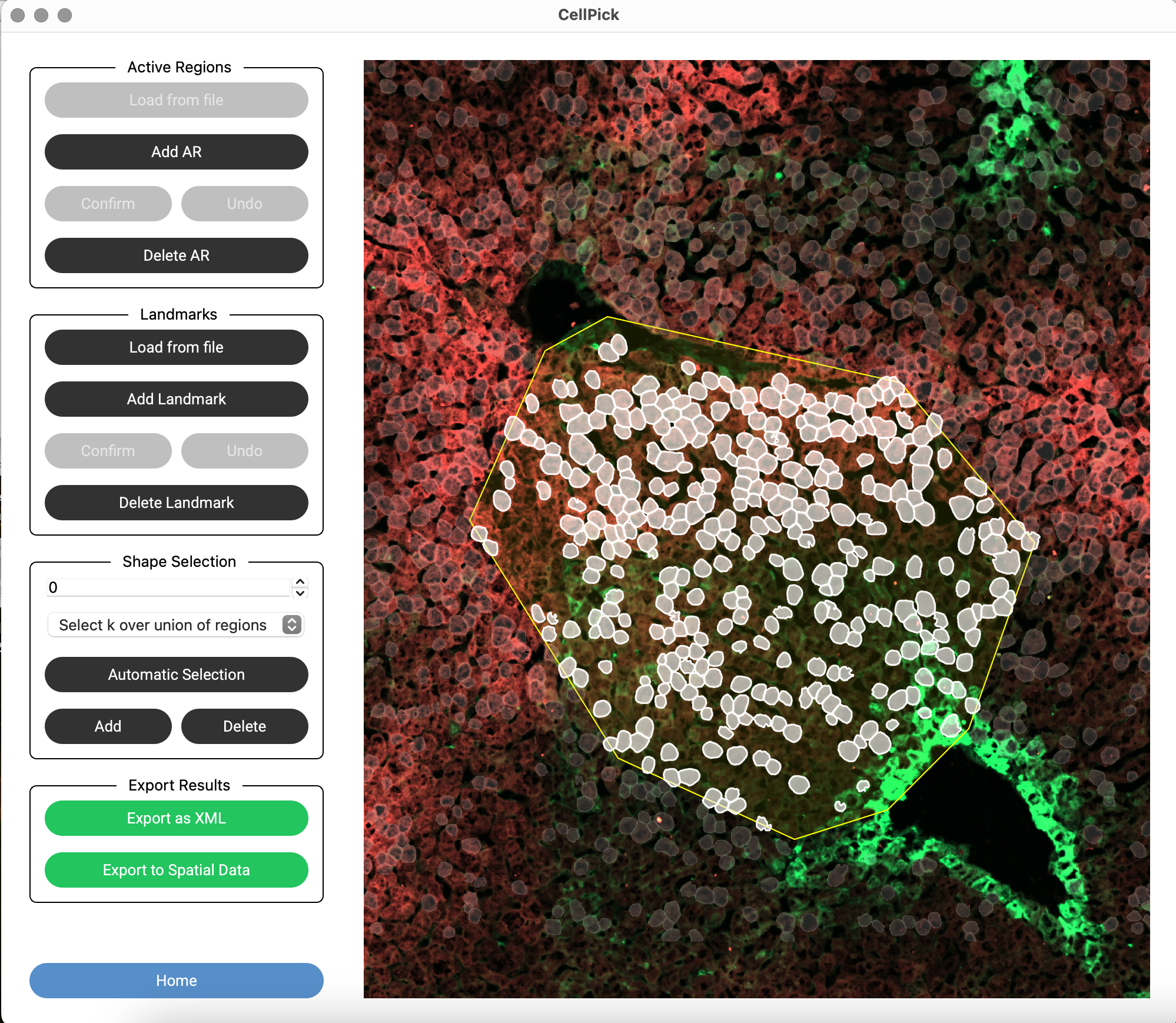
Managing Active Regions#
Delete Last Point: While adding an AR, click “Undo” to remove the last point
Delete Active Region: Click “Delete AR”, then right-click on an AR to remove it
Load from File: Click “Load from File” to import ARs from a previously saved XML file
You can create multiple ARs to select cells from different regions